Event Management Software for Nonprofits: What to Look For
Want to build your own app?
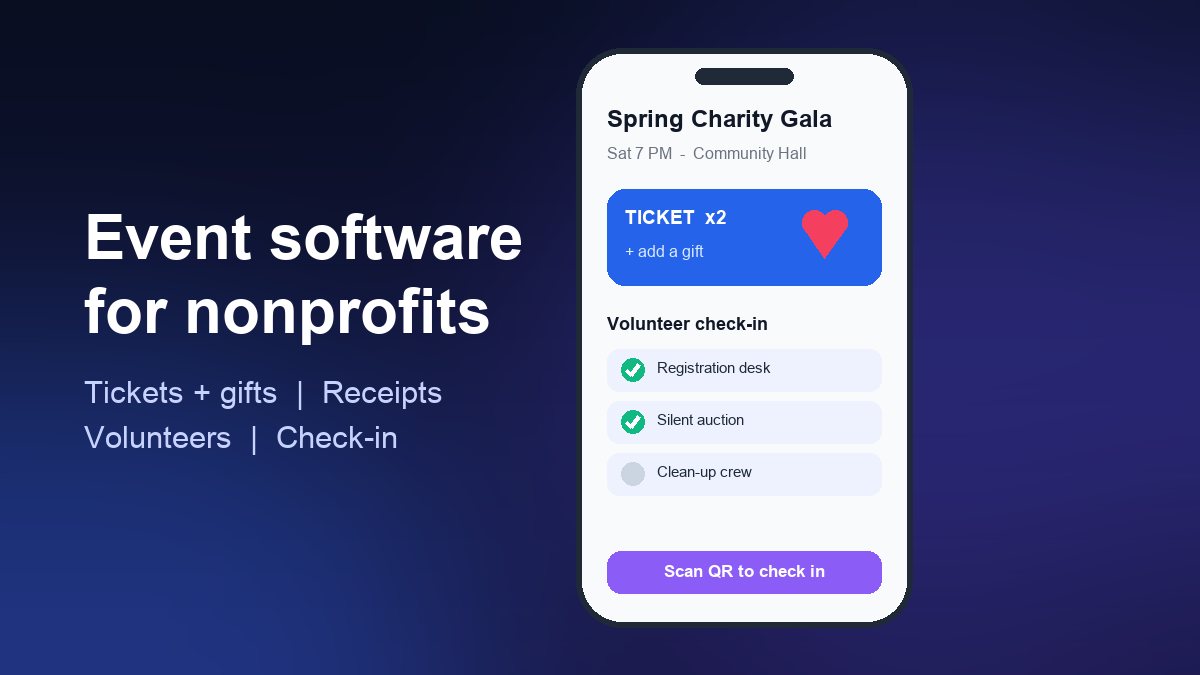
Start Building FreeShort answer: the best event management software for a nonprofit is the one that handles registration, ticketing and donations in a single checkout, issues correct donation receipts, and does not quietly take a percentage of every gift. For one or two events a year, a free ticketing or fundraising platform is usually enough. Once you run recurring events for the same community of members, volunteers and donors, a simple branded event app starts to pay for itself, because it keeps your schedule, check-in and reminders in one place you control.
This guide walks through what makes nonprofit events different from business events, the three kinds of tools you can choose from, how to compare their real cost, and the point at which building your own app makes sense. If you are still deciding whether you need an app at all, start with our general event management app guide and come back here for the nonprofit-specific details.
What nonprofit events need that business events don't
A company conference sells tickets and checks people in. A charity gala, a fun run or a church conference does that too, but it also has to handle money and people that a normal ticketing tool was never designed for:
- Tickets and gifts in one checkout. Many guests want to add a donation when they register. If they have to visit a second page to give, a large share of them never will.
- Donation receipts that are actually correct. When a ticket includes dinner or entertainment, only part of the payment is a gift. Your receipts have to reflect that (more on this below).
- Volunteers as well as attendees. Shift sign-ups, briefings and a separate check-in list for helpers are as important as the guest list.
- Sponsors and tables. Corporate sponsors buy tables or packages and need their guest names collected later.
- Repeat audiences. The same supporters come back to the annual dinner, the monthly volunteer day and the holiday drive. Your tool should remember them instead of starting from zero each time.
- Tight budgets. Every dollar paid in platform fees is a dollar that does not reach the cause, so fee structure matters more than polish.
The three types of tools you can choose from
1. General ticketing platforms
Ticketing marketplaces such as Eventbrite are quick to set up and help strangers discover your event. Eventbrite states that events with free tickets carry no ticketing fees. For paid tickets, its US pricing page (checked October 2026) lists a 3.7% + $1.79 service fee per ticket plus a 2.9% payment processing fee per order, which you can pass on to buyers or absorb. Fees differ by country, so check the page for your own market. These platforms are strong on discovery and check-in but weaker on donations, donor history and receipts.
2. Fundraising platforms with event features
Nonprofit-focused platforms combine donation forms, event tickets, auctions and a basic donor database. Their pricing models are worth reading closely. Zeffy describes itself as a 100% free platform for nonprofits with no transaction or platform fees. Givebutter says its free tools are funded by optional tips from donors and that a platform fee applies if you switch tips off. "Free to the charity" usually means the supporter is asked to contribute something at checkout, which is fine as long as you are comfortable with how that request appears to your guests.
3. Your own branded event app
A no-code app gives you a permanent home for every event you run: schedule, registration, maps, sponsor pages, volunteer rotas, photo galleries and push notifications. It does not replace a payment processor; you connect one (see our guide to adding payment processing to an app). The benefit is ownership: your supporter list, your branding and your direct line to people's phones stay with you rather than with a marketplace.
Eight features to compare before you commit
- Combined ticket + donation checkout with a suggested gift amount.
- Automatic receipts that separate the gift portion from the value of what the guest received.
- Volunteer sign-up and shifts, ideally with a separate check-in list.
- Mobile check-in by QR code that works on a weak venue connection.
- Table and sponsor management, including collecting guest names after the sale.
- Reminders by email and, for repeat audiences, push notifications.
- Data export to a spreadsheet or your CRM, so you are never locked in.
- Accessibility and language options, especially if your community is multilingual.
Score each tool from 0 to 2 on these eight points. Anything under 10 out of 16 will create manual work for your team on event day.
How to compare the real cost
Headline prices hide the number that matters: how much of each supporter's payment reaches your organisation. Work it out with one realistic example. Take a gala with 200 guests paying $50 each on a ticketing platform using the US fees above. The service fee comes to about $3.64 per ticket (3.7% of $50 plus $1.79), and processing adds roughly another $1.45, so around $5 per ticket, or close to $1,000 across the event. Whether guests or the charity pay that is your choice, but either way it is real money.
Then run the same example through each alternative: the fundraising platform (what does the checkout ask donors to add?) and your own app (payment processor fee plus the app subscription spread across all the events you run in a year). The cheapest option for a single gala is rarely the cheapest option for twelve events.
Receipts and the paperwork side
This is where many small charities get caught out. In the United States, the IRS treats a payment that is partly a gift and partly a purchase as a quid pro quo contribution. If a donor pays more than $75 and receives goods or services in return, such as a dinner, the charity must give a written statement explaining that only the amount above the fair market value is deductible, with a good-faith estimate of that value. Its own example: a $100 payment for a concert ticket worth $40 is a $60 contribution.
In India, donors who want to claim a Section 80G deduction rely on the trust's registration, and registered organisations now report donations to the Income Tax Department and issue donation certificates in the prescribed form. Whatever country you are in, confirm the rules with your accountant and choose software that lets you set a "fair market value" per ticket type, so receipts are generated correctly instead of being fixed by hand afterwards.
When your own event app makes sense
A branded app is not the right first step for a one-off fundraiser. It becomes the better choice when several of these are true:
- You run four or more events a year for largely the same community.
- You rely on volunteers who need schedules, updates and last-minute changes.
- You want to reach supporters without paying for ads or depending on social media reach; push notifications go straight to the lock screen (see our push notification strategy guide).
- You are a church, school or membership organisation where events are part of a weekly rhythm. Our walkthrough on building a church app without coding shows what that looks like in practice.
- Your team already spends hours copying attendee lists between tools.
If that sounds like your organisation, compare builders on templates, payment integrations and publishing support using our app builder comparison, and remember that the Apple and Google stores each have their own publishing steps and developer fees.
A simple decision path
- One free community event? Use a free ticketing listing and a simple donation link.
- One or two paid fundraisers a year? Use a nonprofit fundraising platform with combined tickets and donations, and set the fair market value on each ticket type.
- Recurring events, volunteers and a loyal community? Build a branded event app, connect your payment processor, and keep the fundraising platform for the big annual campaign if it already works for you.
Many nonprofits end up with option 3 plus a fundraising platform. That is fine: the app becomes the everyday home for your community, and the platform handles the once-a-year peak.
Frequently asked questions
Is there truly free event software for nonprofits?
Yes, but "free" means different things. Free-ticket events on ticketing platforms carry no ticketing fees, and some fundraising platforms charge the charity nothing because supporters are invited to contribute at checkout. Card processing still has a cost somewhere, so read how each provider covers it.
Do nonprofits get discounts on software?
Often. Google for Nonprofits, for example, offers eligible organisations no-cost and discounted tools, including Google Workspace for Nonprofits and Google Ad Grants. Ask any event or app vendor whether they have a nonprofit plan before you sign up.
Can a small volunteer team really run an event app?
Yes, if you start small. Launch with the schedule, registration link, location and push notifications, then add volunteer rotas and galleries after your first event. A no-code app is maintained the same way you maintain a website: update the content, not the code.